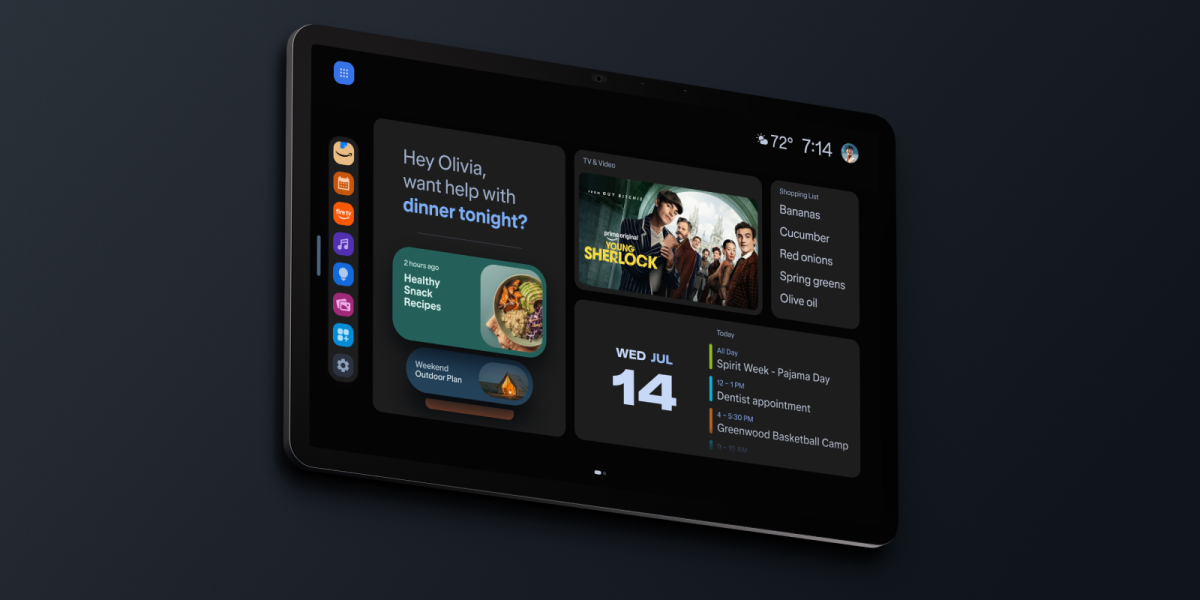
Amazon’s October 28 announcement of Alexa Home Map is unusually relevant to the HomeControl project. The new interface turns a home into an interactive three-dimensional model, with Echo speakers, lights, cameras, locks and thermostats in the rooms where they physically sit. Users can move between floors, zoom into a room and control devices without remembering names or issuing a voice command. Amazon says a compatible iPhone can scan rooms to create the interior layout; device placement is then adjusted on the map.
The most useful detail is how the map communicates live state. Smart lights glow in their current colors and brightness, and music-playing speakers receive an animated indicator. Exterior views can show activity detected by compatible Ring cameras. HomeControl’s Entertainment Areas already need a related distinction: physical location should stay fixed while the membership of a playback group and its active music session change. Amazon’s implementation offers a concrete reference for how to make those two layers legible.
Amazon is not claiming that every device works identically. The feature is due in preview later in 2026, first across a dedicated iOS Home Map app, Alexa and Ring apps, larger Echo Show displays and selected other Amazon screens. Some Echo and Fire TV capabilities require Alexa+, and some Ring features need separate subscriptions. This is an announced interface to study now, not a tool to install on the Mac today.
There is a useful product-design comparison here. Amazon optimizes for a single integrated smart-home view; HomeControl can be more specialized and faster for music. A room card should show source artwork, speaker count and mute state at a glance, with one-tap volume and a clear indication when two sessions coexist in one area. The map should remain stable even as speakers are moved between Entertainment Areas.
For a focused experiment, save screenshots of Amazon’s room and device states, then have Cursor prototype one HomeControl room with three speakers and two concurrent sources. Compare how many taps it takes to mute a speaker, change an area source, and inspect a device. Treat the Amazon interface as inspiration, not as evidence that Sonos supports every depicted capability.
Open Amazon’s Home Map demonstration and capture the best interaction patterns for the Sonos floor-plan screen: device placement, room zoom, source indicators and instant controls.