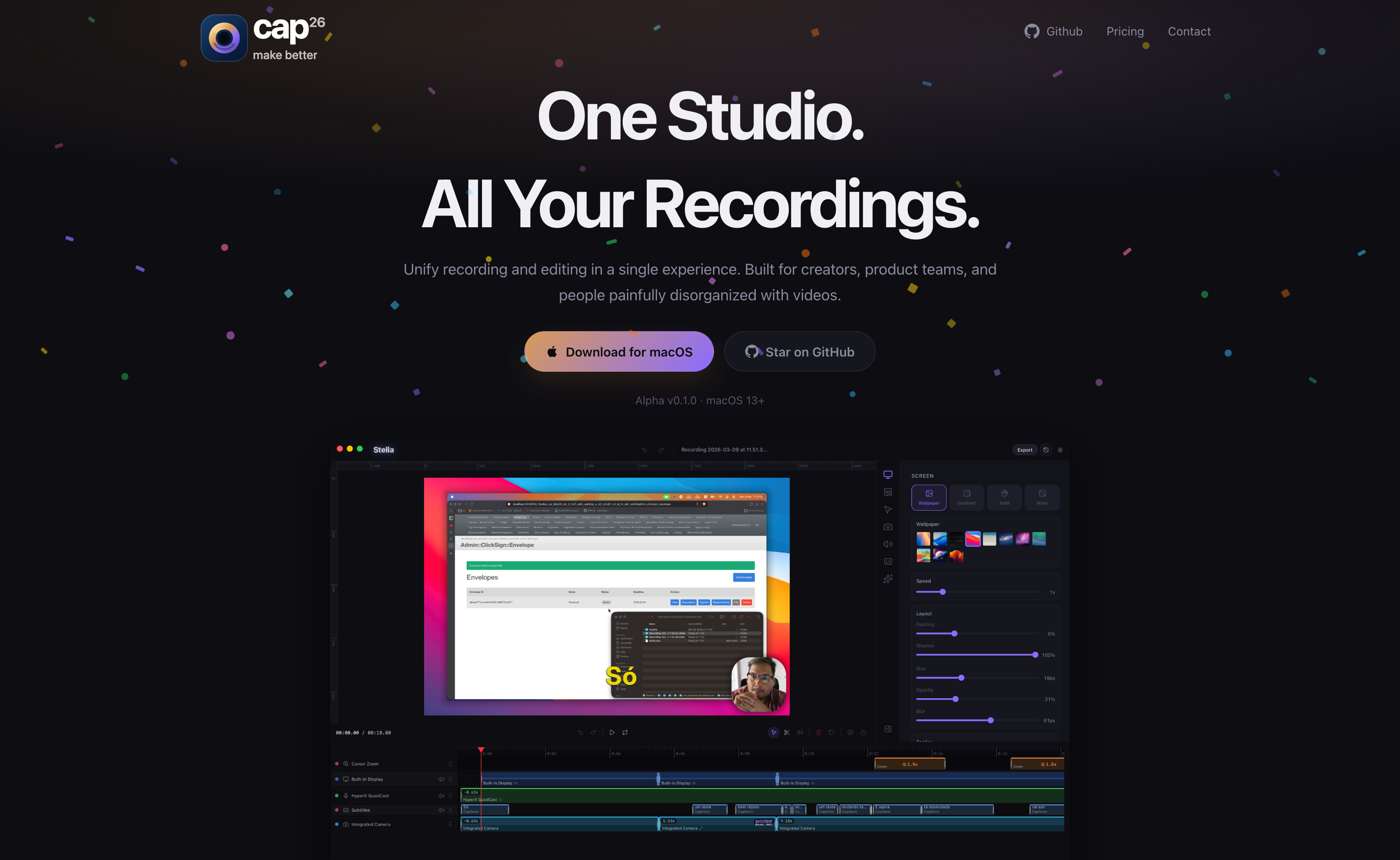
You recently questioned Snagit’s subscription pricing, so a fresh Mac-native recording project deserves more than a passing mention. Cap26 Studio describes itself as a unified screen-recording and editing environment for macOS 13 and newer. Its current public site labels the release Alpha v0.1.0, which is an important qualification: this is a trial candidate, not yet a dependable production tool.
The feature list is unusually ambitious for a small project. Cap26 says it captures the screen, microphone, webcam and system audio together, then offers automatic zoom to the point of action, replaceable backgrounds and built-in webcam overlays. It advertises local caption generation and GIF, MP4 and 4K exports. Those are useful for recording short product demos, showing a Cursor bug or demonstrating a Stream Deck workflow.
There is an important distinction from Snagit. Snagit is especially good at static screenshots, arrows, callouts and rapid annotation. Cap26 appears focused on polished screen video. A tool can be excellent at demos and still fail to replace your screenshot workflow. Its alpha status also means permissions, reliability and editing polish must be tested on your actual Mac.
The quickest evaluation is one controlled recording: open Plasticity, capture a short operation with system audio and voice, export a small MP4, then attempt a captioned version. Compare the number of clicks and final clarity with your existing process. Do not grant it unnecessary access to client documents or rely on it for an irreplaceable meeting recording until it has proven stable.
If Cap26 succeeds at video but not screenshots, it may pair better with Shottr, which you already use for capture. That would give you a free or low-cost two-tool workflow rather than buying another heavyweight all-in-one subscription.
Download the alpha from its official site and record a 30-second Plasticity or Cursor demo; test system-audio capture, captions and export before judging it as a Snagit replacement.