Plasticity 26.2 is a genuinely useful release for someone who already models parts in Plasticity and prints them. The new Assets tab in the Outliner lets you mark reusable objects, export them to a folder, and drag them into another scene. That is a direct answer to repetitive work: bolts, bushings, clips, hardware, and the little fixtures that keep turning up in maker projects. The official release notes date the release to October 19, with broader coverage appearing October 20.
A second upgrade is the Curvature Analysis shader. Gaussian, Mean, and Max views expose changes in a surface that are hard to spot with ordinary shaded rendering. For a decorative curved wall-art piece or a 3D-printable enclosure, the Max view can reveal spots that might become troublesome when offsetting or thickening a surface. It is an inspection tool, not an automatic repair command.
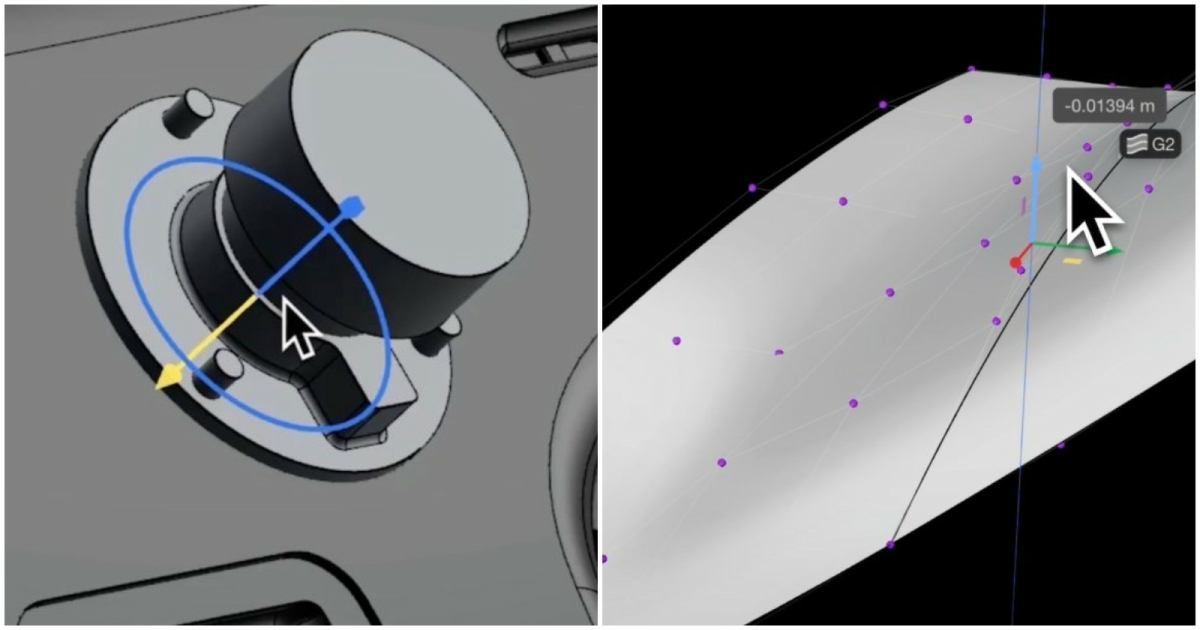
The Studio-only additions are more ambitious. Project Align adjusts control vertices along a target surface edge toward a reference surface. A new constraint system can preserve continuity while geometry is transformed, but the developer explicitly warns that constraints are not yet saved with the file. Do not build a long-term design around persistence that does not exist yet.
There are smaller time-savers too: better PolySpline control-point editing, new mesh-snap visualization, customizable edge colors, tintable matcaps, and improved Edge Align options including a Collinear solver. These are more valuable in day-to-day modeling than another flashy renderer because they reduce the time between sketching a shape and exporting a clean part.
A practical 15-minute trial is to open a duplicate of an existing model, add two common components to an asset folder, drag them back into a fresh scene, and inspect the main curved surfaces with Gaussian and Max shading. If Studio is installed, test Project Align only on a disposable copy and save/reopen it to understand the constraints limitation.
What to do: Update Plasticity, test the new Assets panel on a duplicate project, and inspect one curved print with the Curvature Analysis shader.