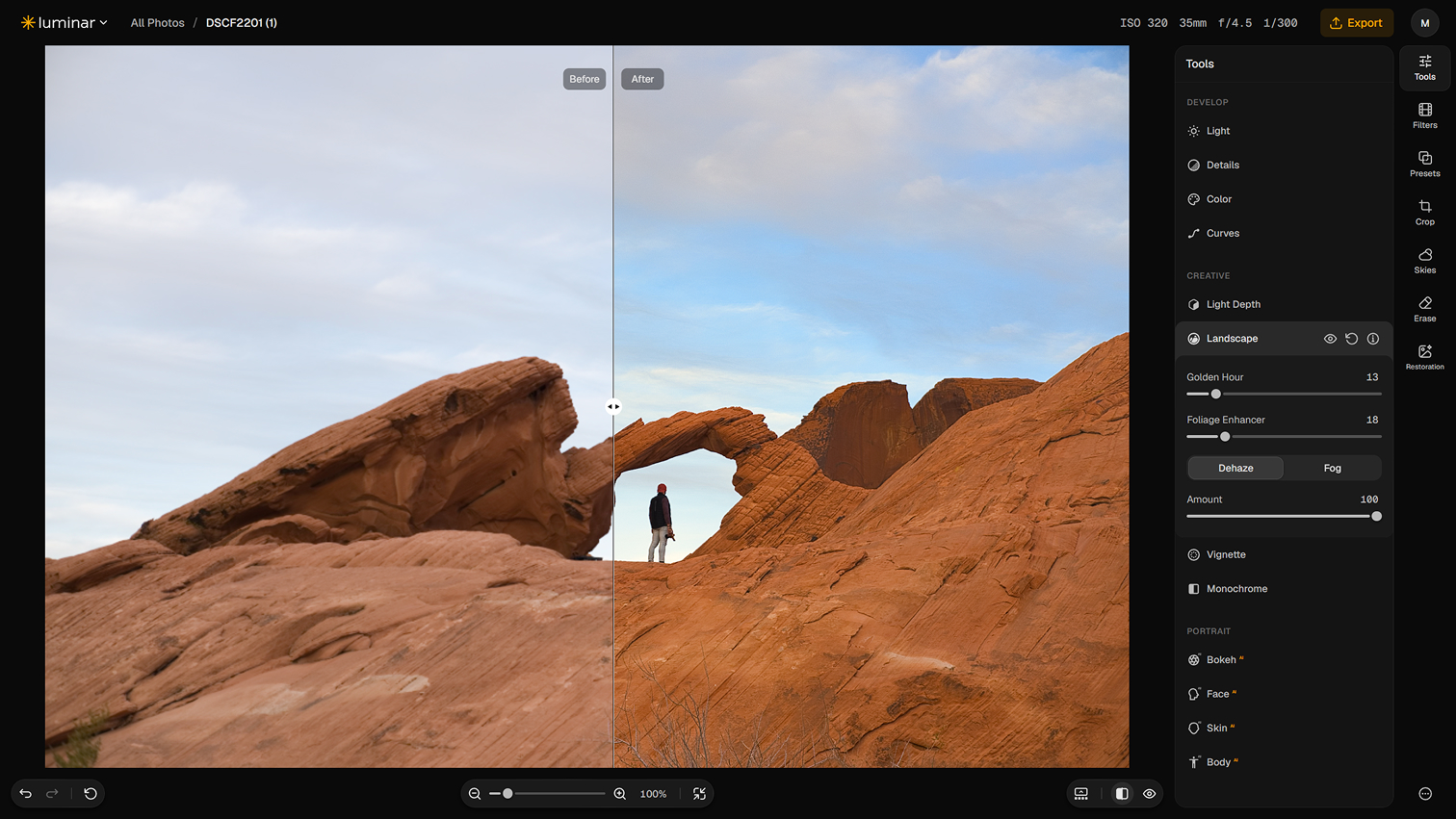
The newest interesting photography experiment does not require installing another Mac application. Skylum launched Luminar on Web on October 15. Its free Web Only plan includes RAW support, basic light and color controls, standard-quality exports and 100 MB of cloud storage. That makes it easy to test on the MacBook, Mac mini, or iPad without changing a Lightroom catalog.
The paid proposition is different from the usual monthly subscription. Web Full Access is advertised at $69 as a lifetime purchase and includes the mobile app, presets, AI edits, Light Depth and more. An All Platforms package is listed at $159 and adds desktop software. Those are current advertised prices, not a reason to buy before comparing output. A trial of the premium tier may require payment details.
The compelling question is not whether a browser can replace Photoshop. It is whether the same RAW image can be made attractive faster with fewer manual steps. Choose one challenging portrait and one backlit travel photo, then make the same corrections in Luminar and Lightroom: exposure, white balance, highlight recovery and selective adjustment. Export both and compare at 100% on the same screen.
For the web editor, distinguish between the free essentials and AI tools on paid tiers. Skylum promotes Sky AI, GenErase and Photo Restoration, but these are not all included in the no-cost plan. Avoid uploading a sensitive family photo just to evaluate a new service; use a disposable image or a public sample first.
The useful business angle is speed. If a quick browser pass produces a client-ready social image or preview in two minutes instead of ten, it may earn a spot in a lightweight creative workflow. If it merely produces a pleasing preset while sacrificing control, keep the existing Adobe pipeline.
What to do: open the free web editor, process one RAW image, time the edit, compare a matched Lightroom export, and consider the $69 plan only if the paid tools clearly save time.