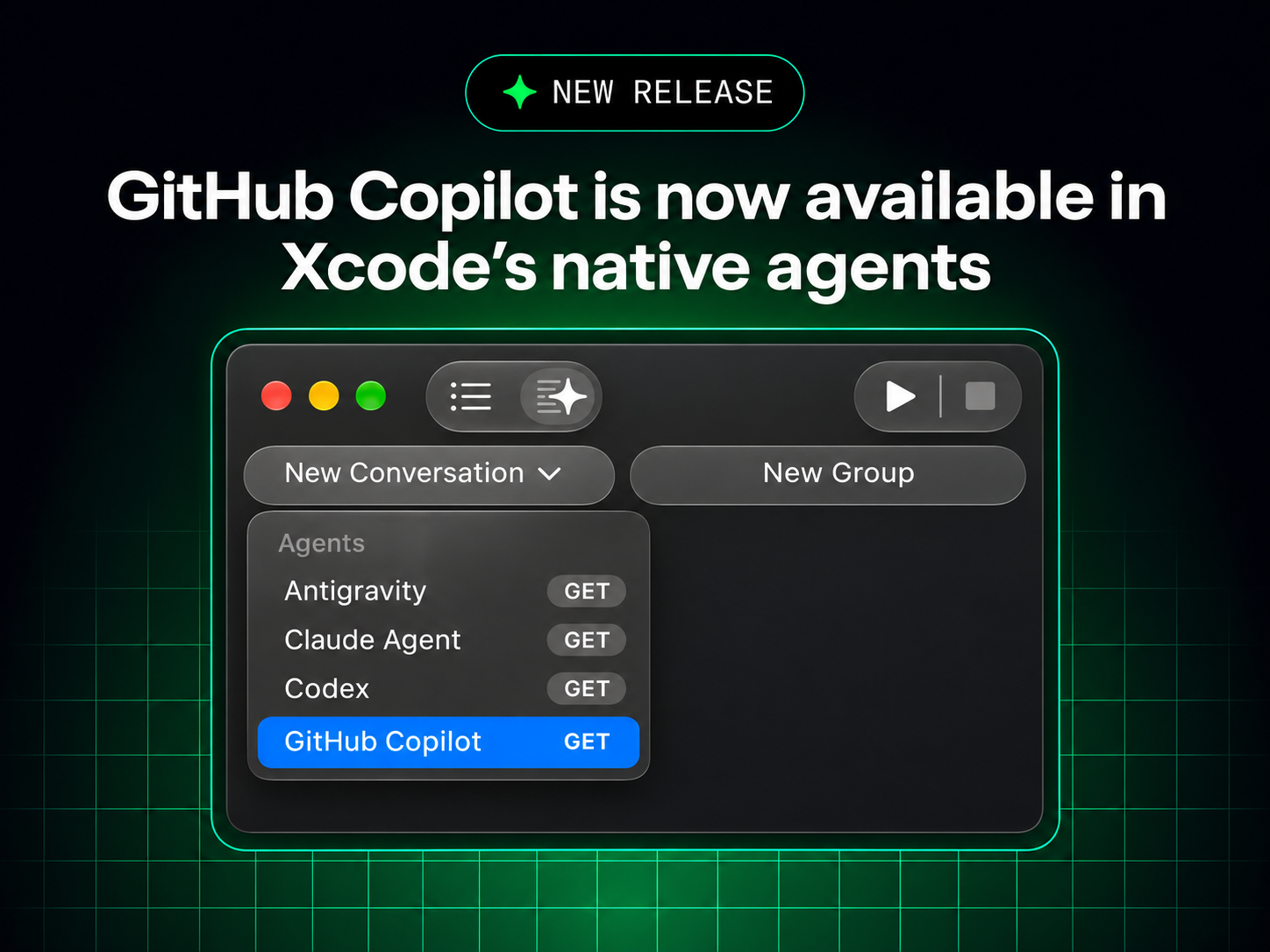
This gives your iOS application work another option besides Cursor and a separate Xcode extension. The main question is whether its understanding of an actual app target and build errors improves your workflow.
What to do: For a controlled test, use a disposable branch of Walkup Pro. First check beta compatibility, then open Xcode Settings > Intelligence as described in GitHub's announcement.
Go to Source: https://github.blog/changelog/2026-11-04-github-copilot-is-now-available-in-xcodes-coding-assistant/
Copilot can now work inside Xcode's own coding assistant. GitHub Copilot is available in public preview inside the built-in coding assistant of Xcode 27.3 beta. GitHub says it works with all Copilot plans on Macs running macOS Tahoe 26.6 or later. What to do: For a controlled test, use a disposable branch of Walkup Pro. First check beta compatibility, then open Xcode Settings > Intelligence as described in GitHub's announcement.